Scan, edit, sign, and extract text from documents in seconds.
PDF Scanner helps you scan receipts, contracts, notes, invoices, ID cards, and more with a clean, simple, and powerful all-in-one PDF workflow.
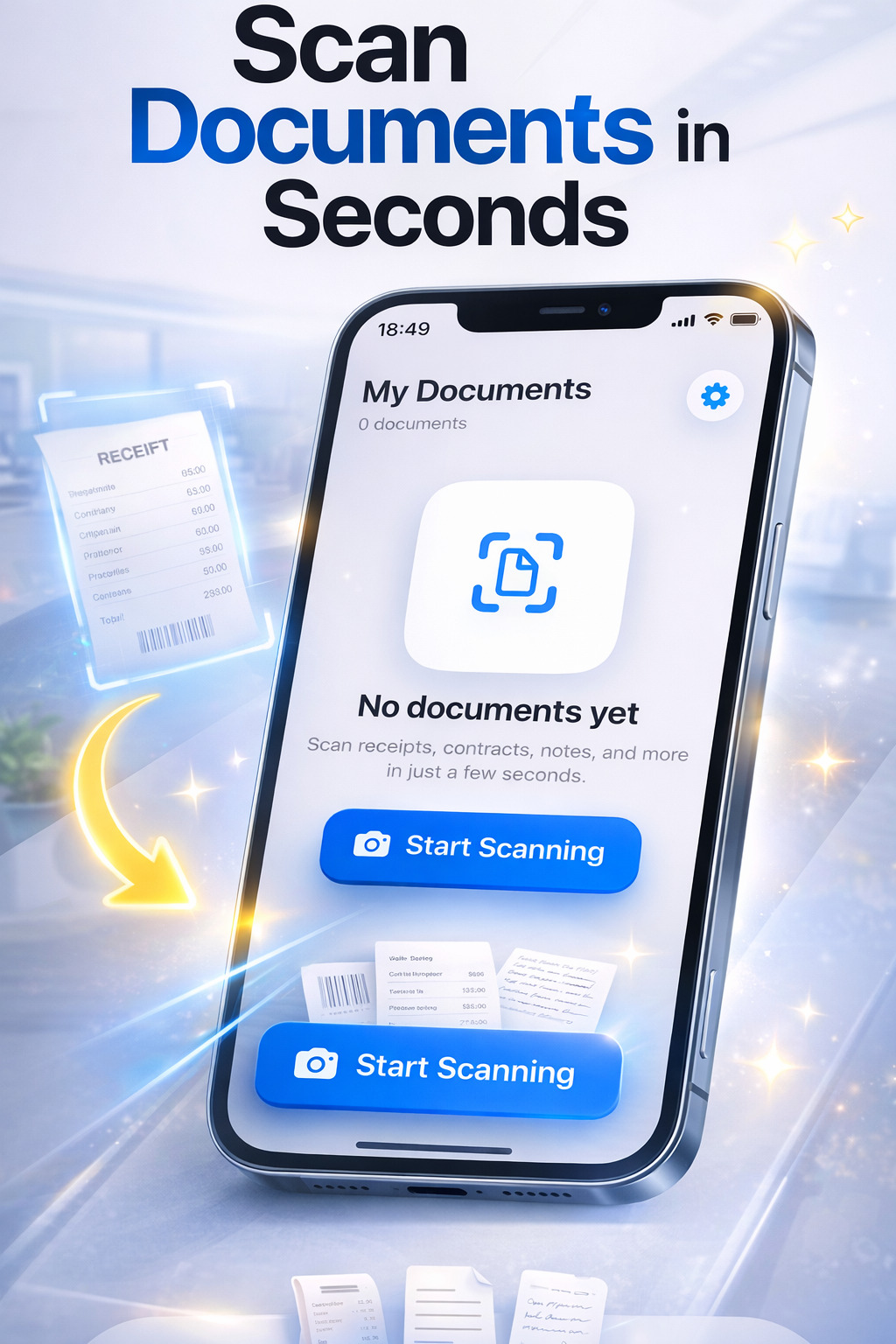
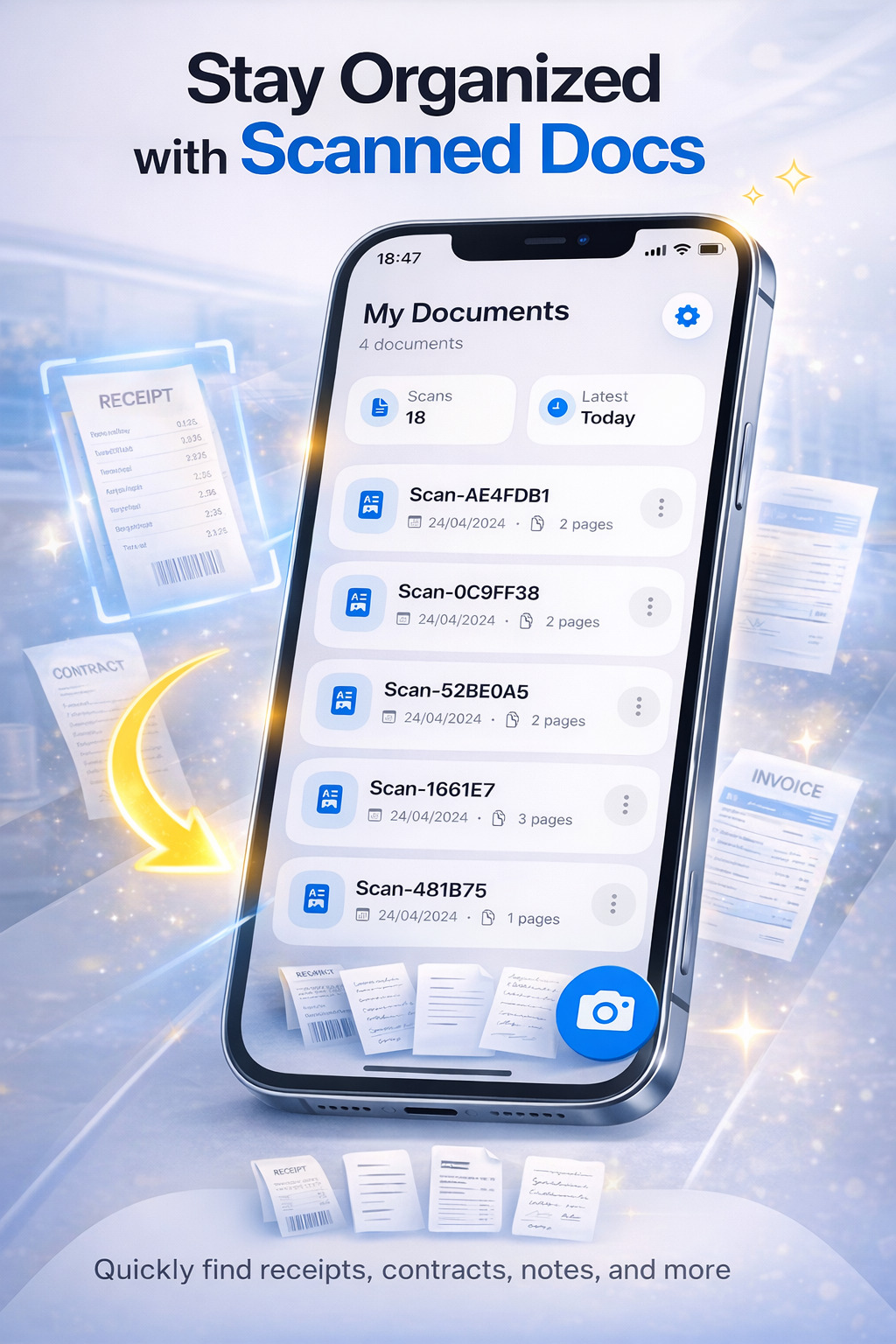
My Documents
Ready to scan receipts, notes, and contracts
No documents yet
Scan documents, receipts, notes, and more in just a few seconds.
App Preview
See how PDF Scanner works in real life with scanning, organizing, editing, signing, and OCR text extraction.
Everything you need in one PDF scanner
From fast camera scans to OCR and signatures, PDF Scanner gives you the essential tools to manage documents quickly and professionally.
Scan to PDF
Capture receipts, notes, invoices, contracts, IDs, passports, books, and whiteboards in seconds.
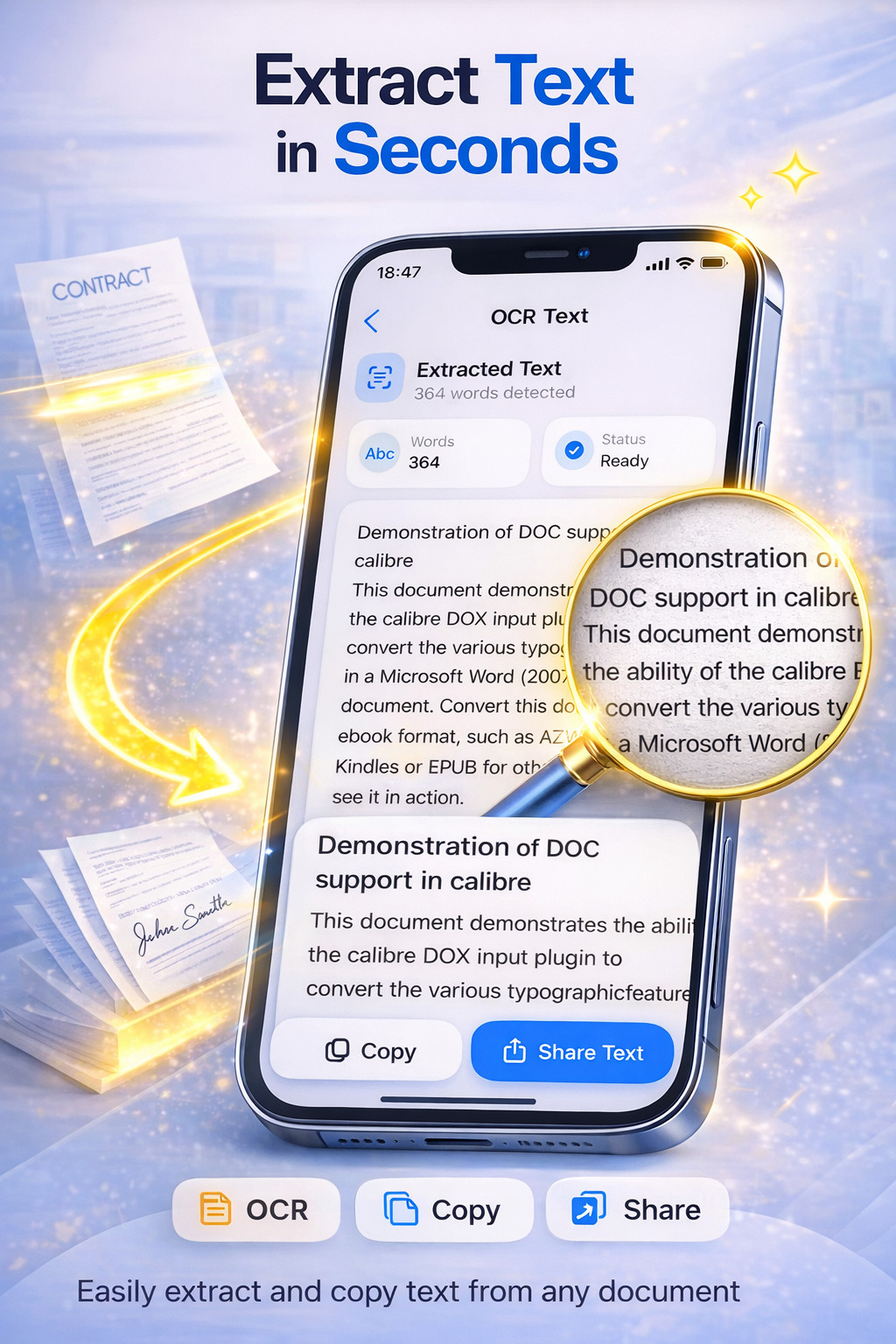
OCR Text Extraction
Extract text from scanned pages and images with fast and accurate OCR recognition.
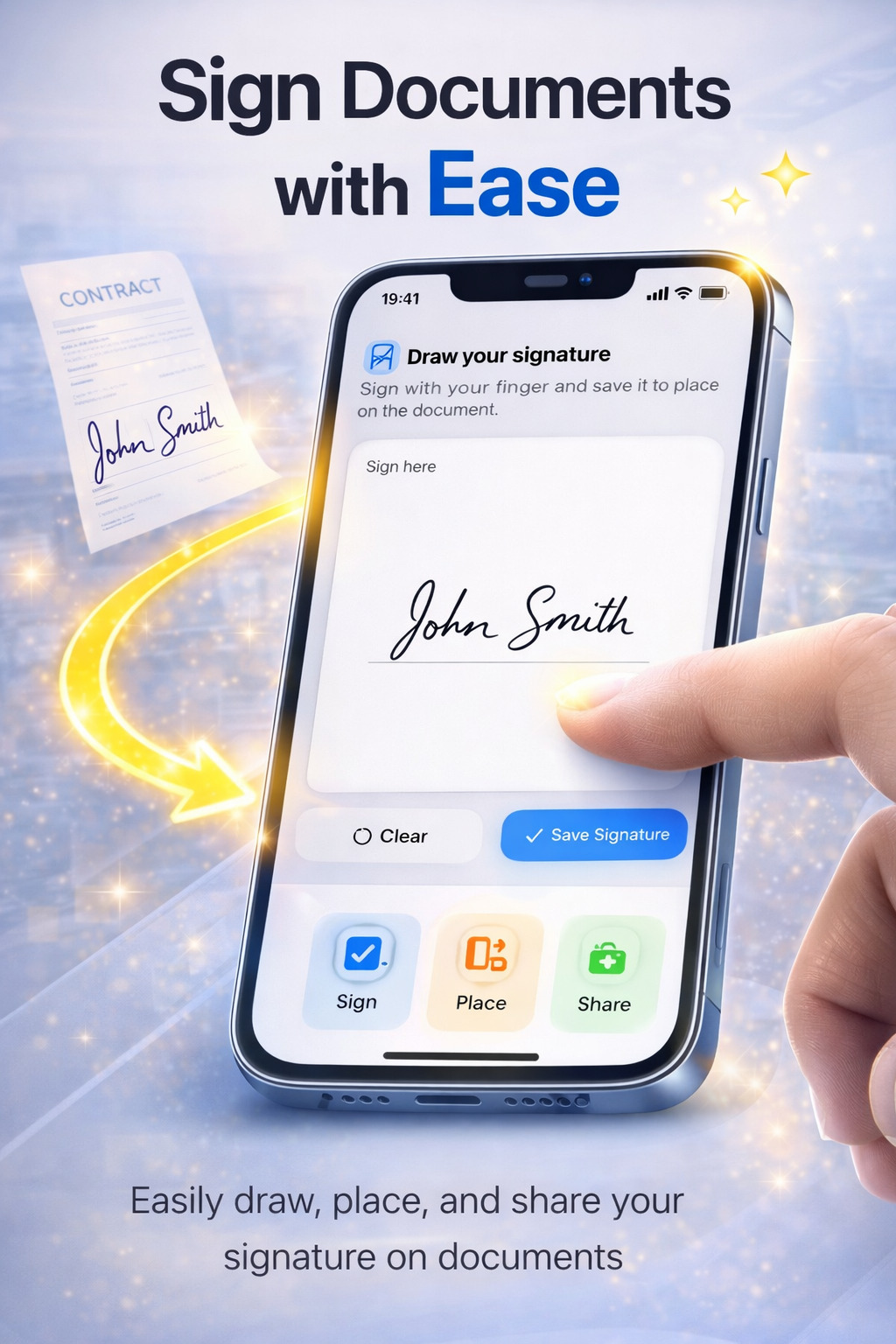
Sign Documents
Draw your signature, place it on documents, and save signed pages directly from your phone.
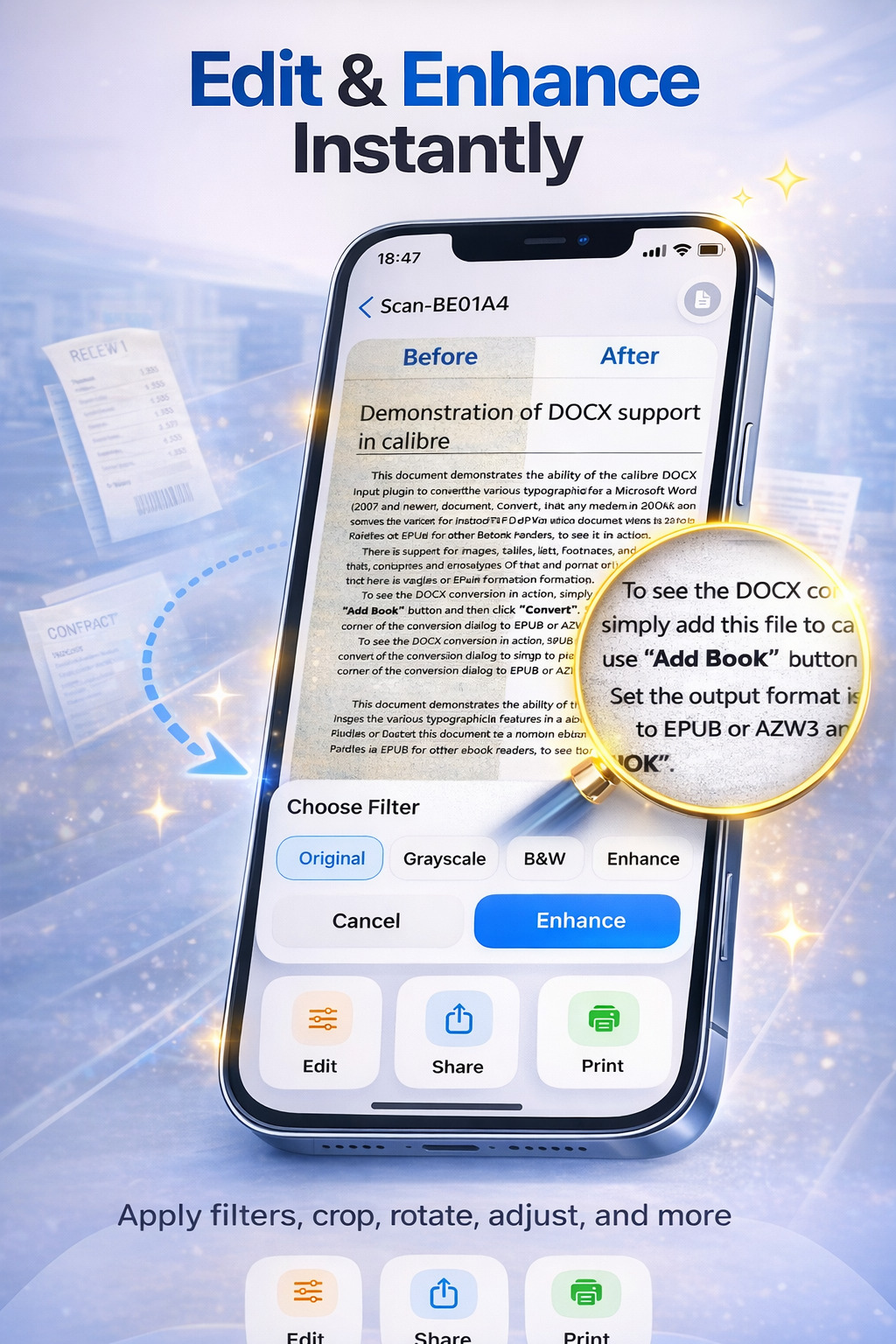
Edit & Enhance
Improve your scans with useful filters like grayscale, black & white, and enhance for better readability.
Organize Files
Rename and manage your documents with a clean interface designed for quick access.
Share & Print
Export your PDFs, share them instantly, or print them directly in just one tap.
How it works
A simple workflow built for speed. Open the app, scan your document, enhance it if needed, then export, sign, or extract text.
- Scan your document
Use your camera to capture receipts, notes, contracts, invoices, IDs, and more. - Improve the result
Apply filters, adjust clarity, and make the page easier to read before saving. - Extract text with OCR
Turn scanned content into selectable and copyable text in seconds. - Sign, share, or print
Finish your workflow right away without switching between multiple apps.
Perfect for students, work, and everyday life
PDF Scanner is made for real daily tasks, whether you need to digitize paperwork, save receipts, extract text, or sign a file quickly.
Best for
- Students scanning lecture notes and whiteboards
- Professionals scanning invoices, contracts, and business cards
- Freelancers extracting text and signing PDFs on the go
- Home users saving receipts, bills, and important papers
Why users choose PDF Scanner
- Fast and simple interface
- Accurate OCR recognition
- High-quality PDF output
- Useful tools in one app
- Clean modern design
Ready to simplify your document workflow?
Download PDF Scanner and turn your iPhone into a fast, powerful, and easy-to-use document scanner.